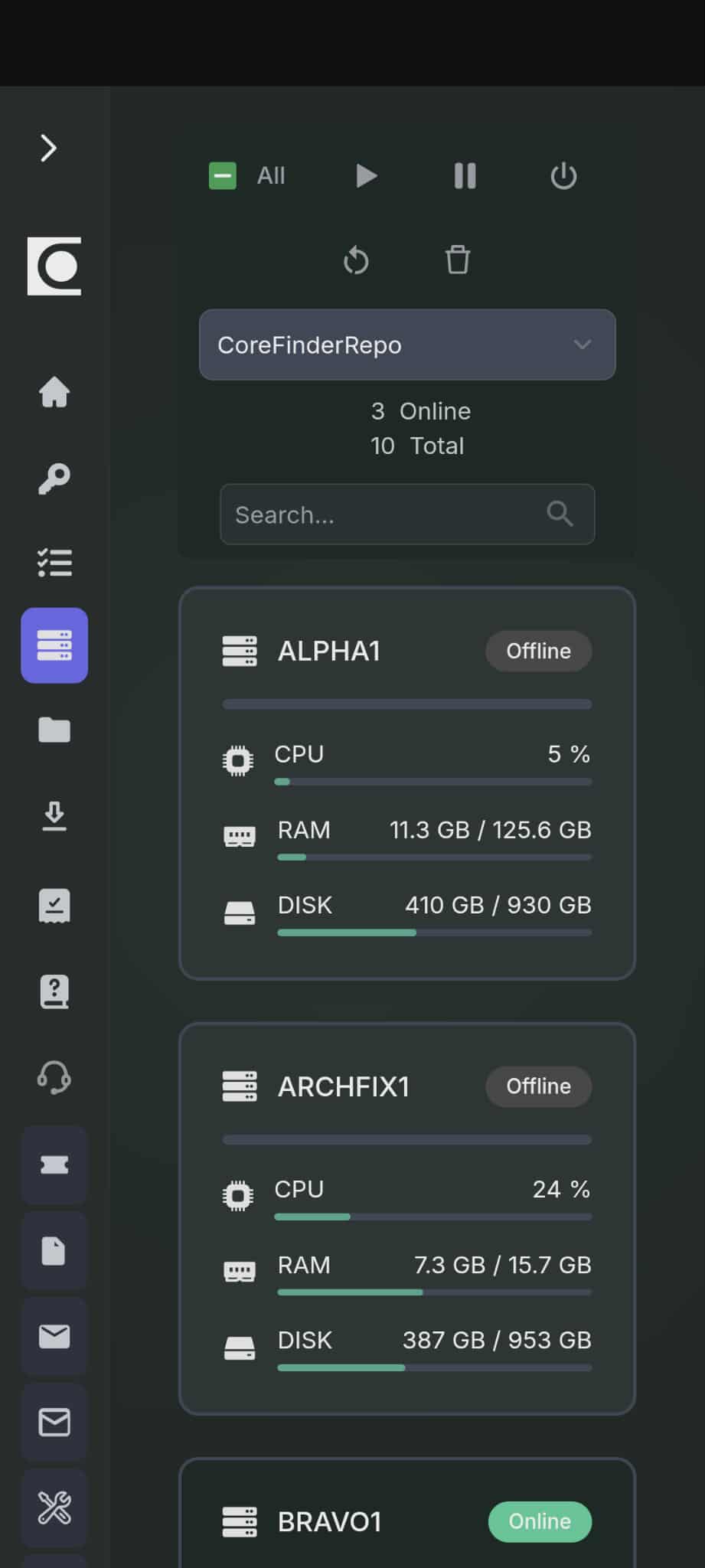
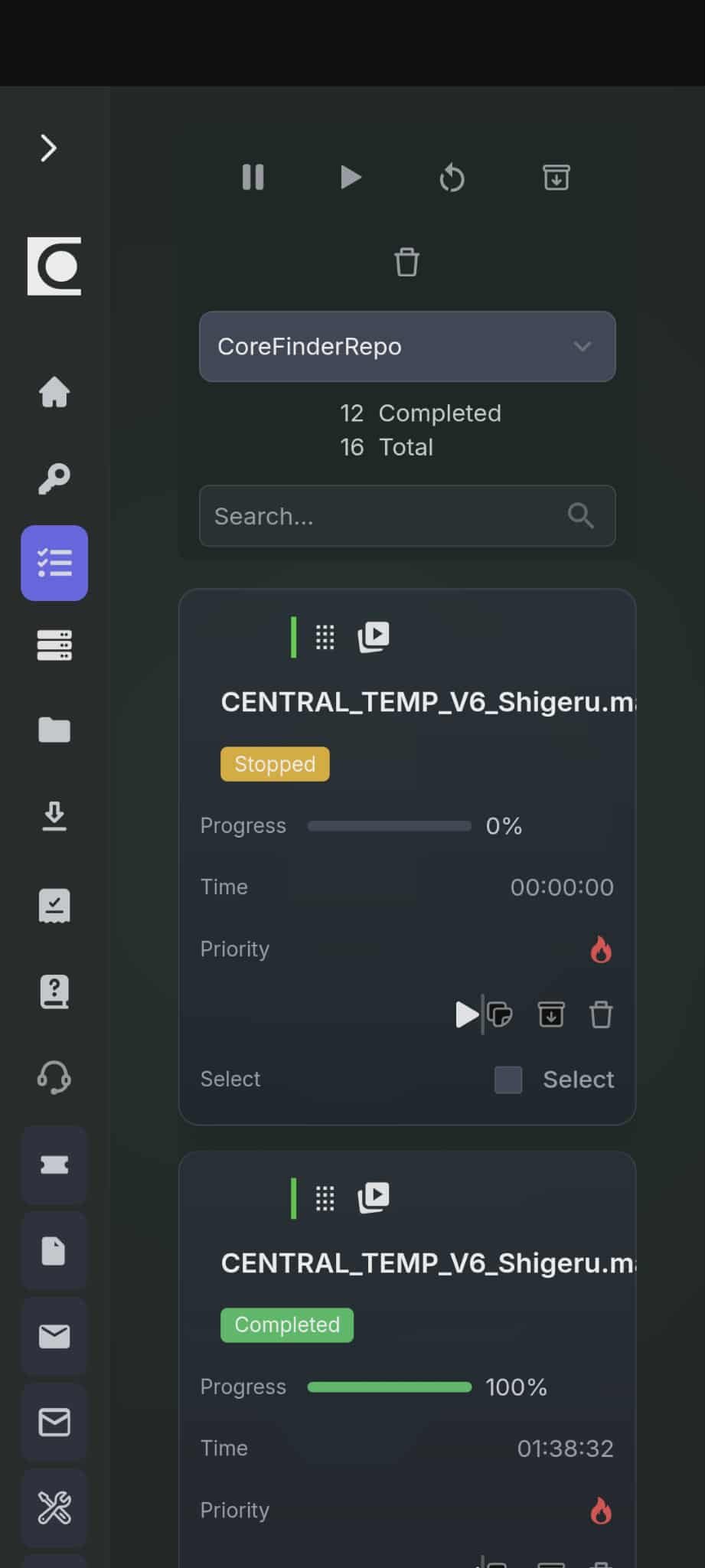
Online Render Farm Monitoring App
Install on Android, Apple or Windows

How to install
1
Open renderfix.io/app and tap Install
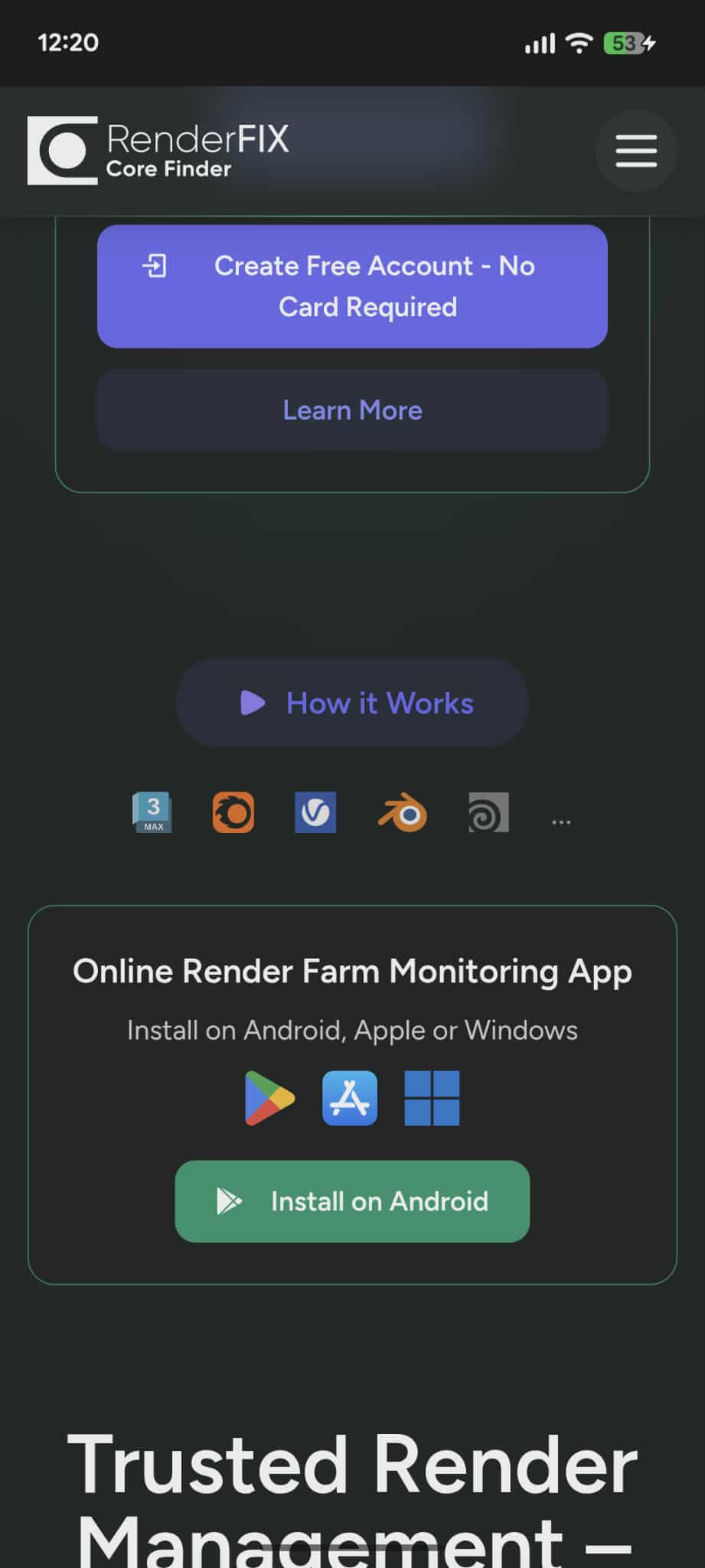
Or use the install button on the Main page (Android / iPhone / Windows).
2
Confirm installation
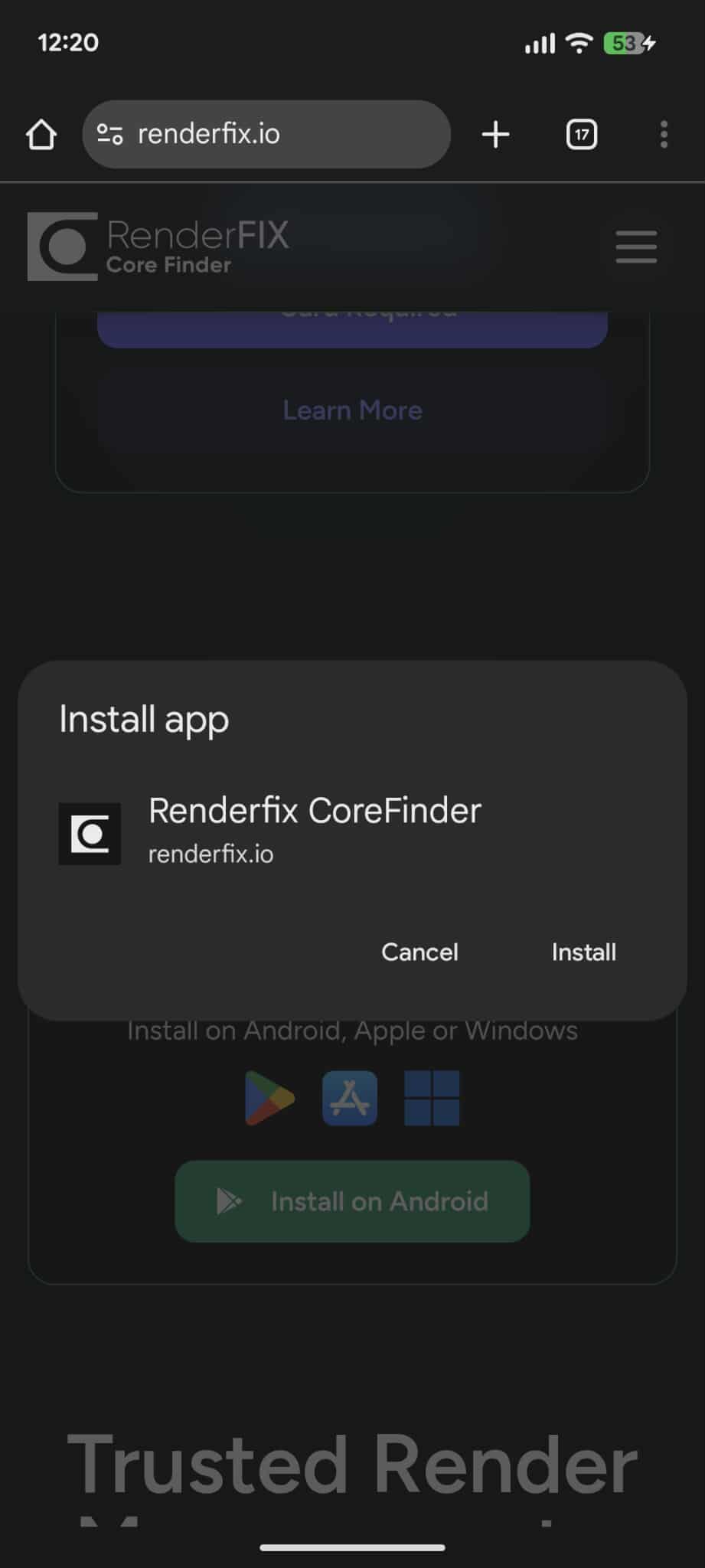
On iPhone: Share → Add to Home Screen if the prompt doesn't appear.
3
Launch the app
You’ll see a clean loading screen and quick startup.
4
App installed on your Home Screen
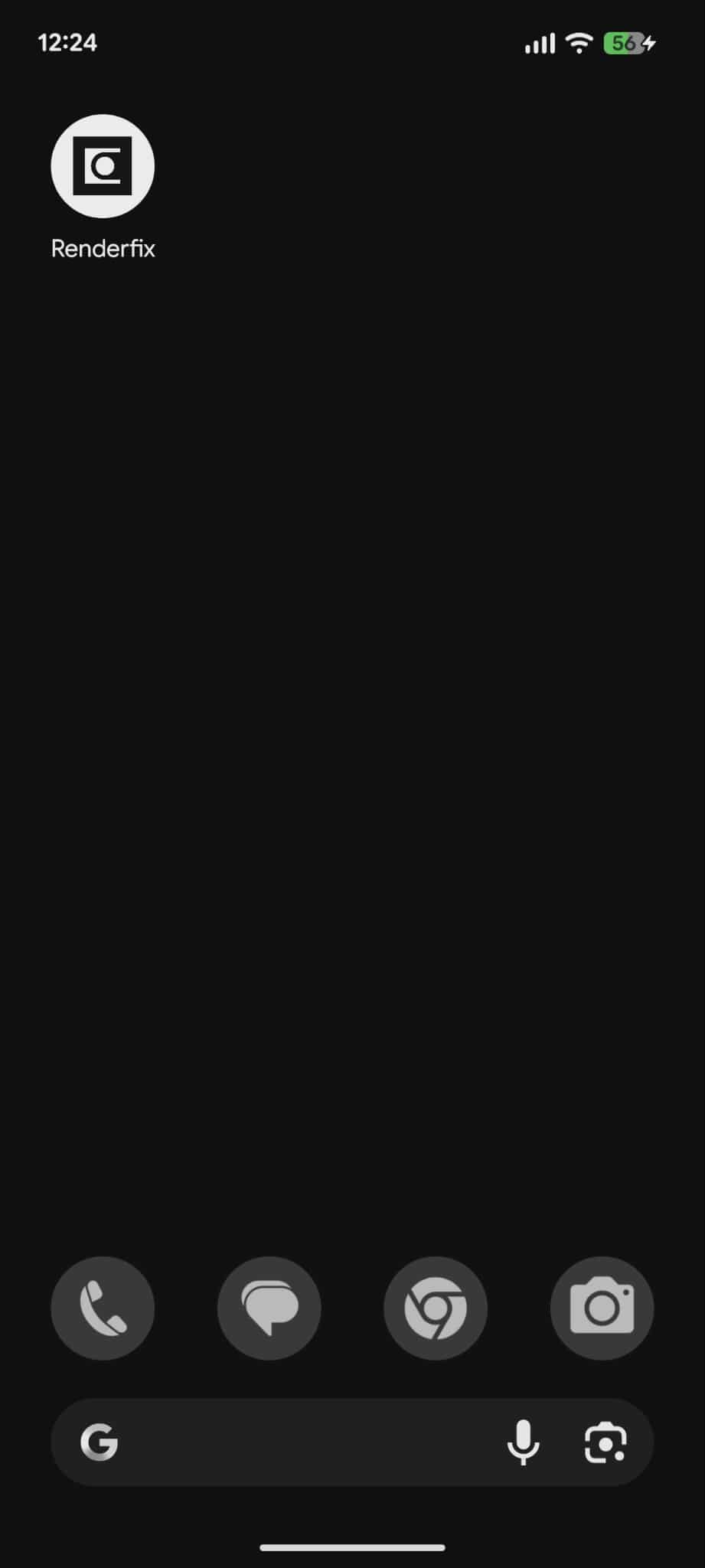
Open "RenderFix CoreFinder" anytime, just like a native app.
Manage your render farm on the go
Select and manipulate tasks and machines from anywhere. Monitor progress, pause/resume tasks, and keep your farm productive 24/7.