
Transferring the Repository
Go to the Settings page and scroll down to Change repository for my PC only (other options are not fully tested yet).
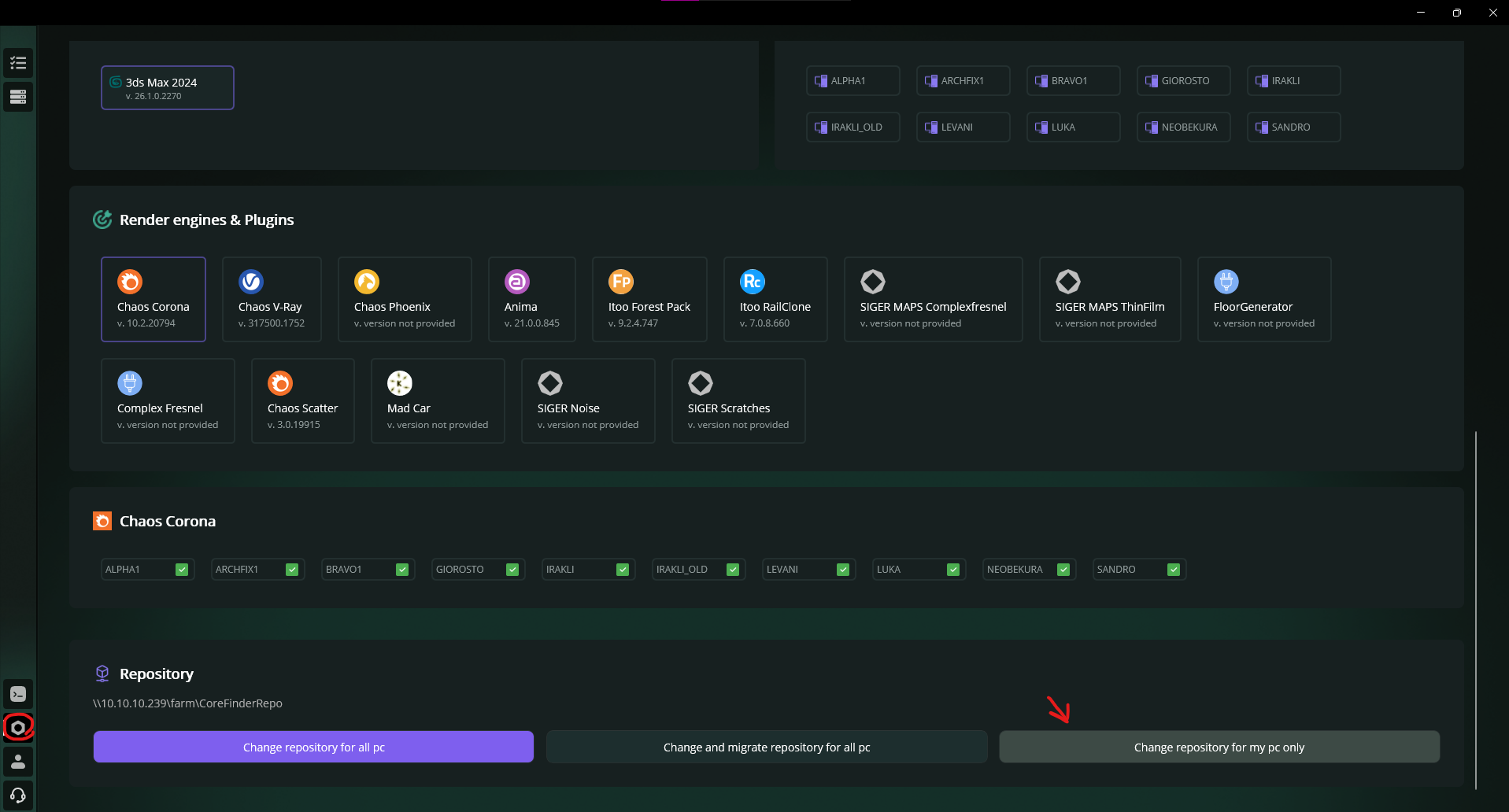
Change repository for my PC only
Select the new repository folder. At the end, you should see this success message:
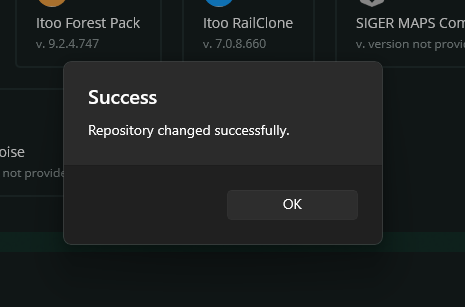
Repository transfer success message
Note
Old repository will not be deleted automatically. If you want, you can delete the old repository manually.
That's it. If you have problems with repository transfer, please write us.